
OpenTodo is a calm task list that runs on your own server.
Plan your day, keep projects in order and share lists with the people you live and work with.
No account, nothing to install.
 New: the iPhone and iPad app, a first release.
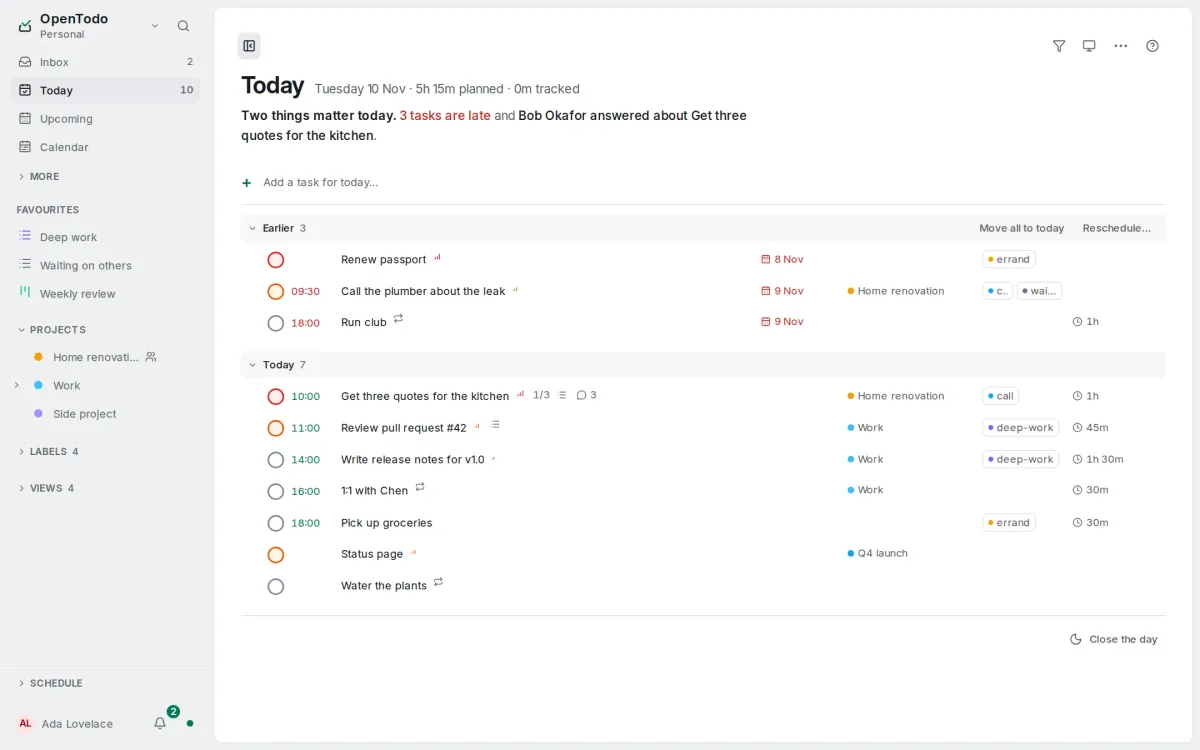
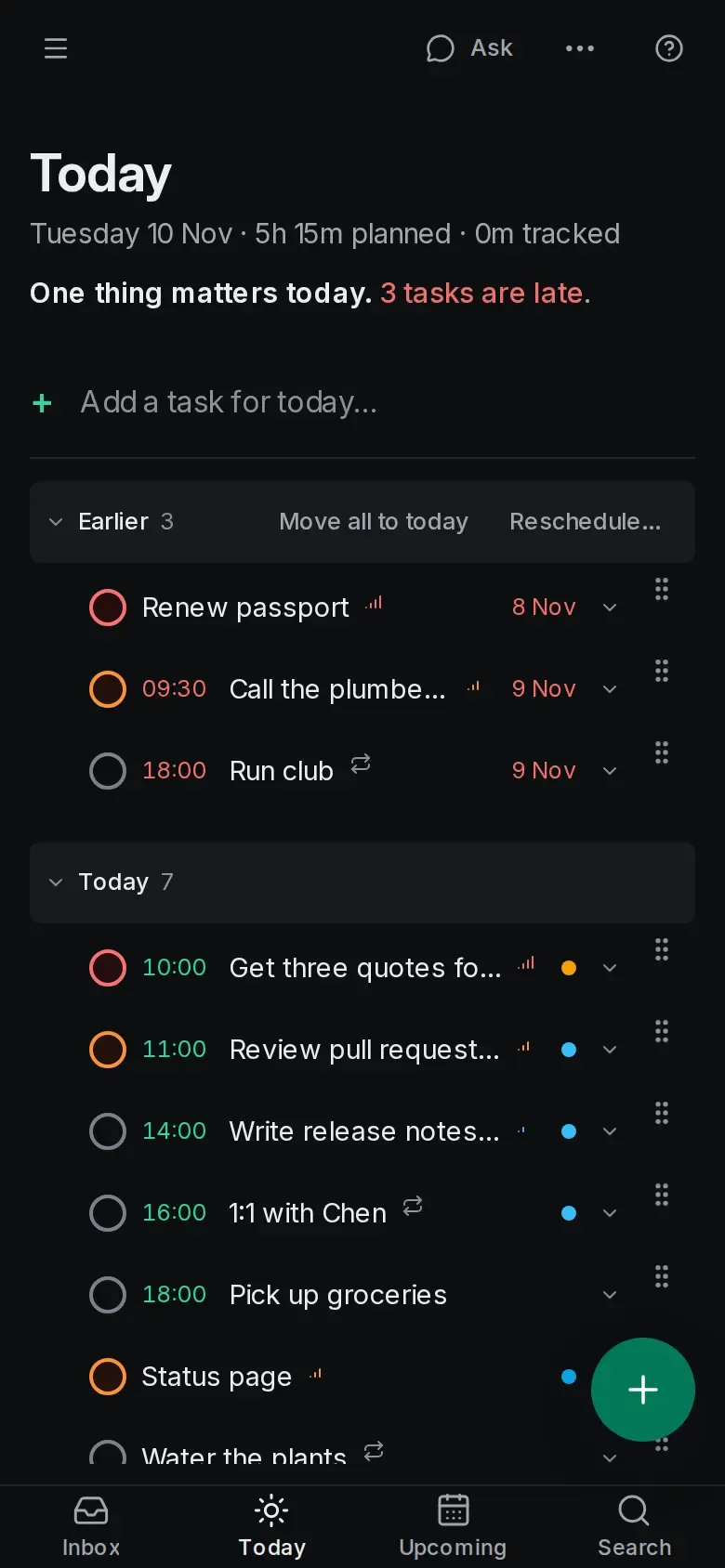
Your day, your projects, one quiet screen.
Today says what matters
One sentence under the date names what is late, what is full and who replied, and each part opens what it names. Your device works it out, offline, with no AI.
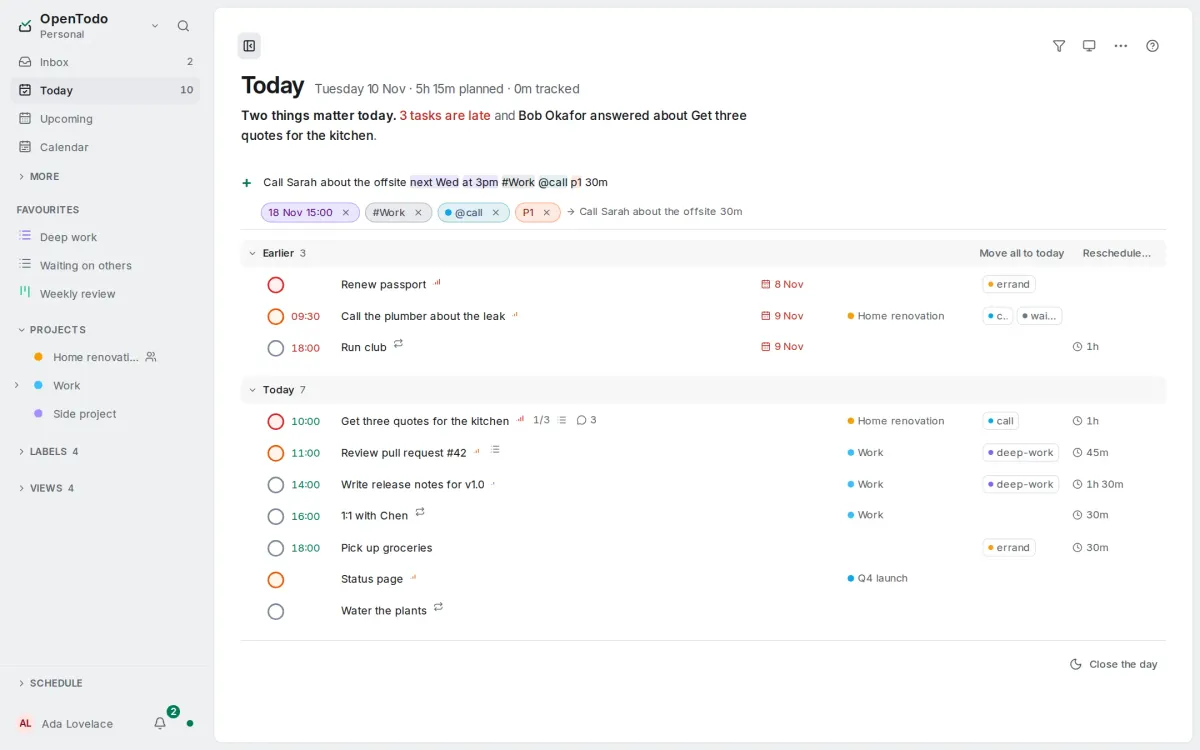
Type it the way you say it
“Book the plumber friday 10am #Home p1” becomes a task with its date, project and priority, in six languages.
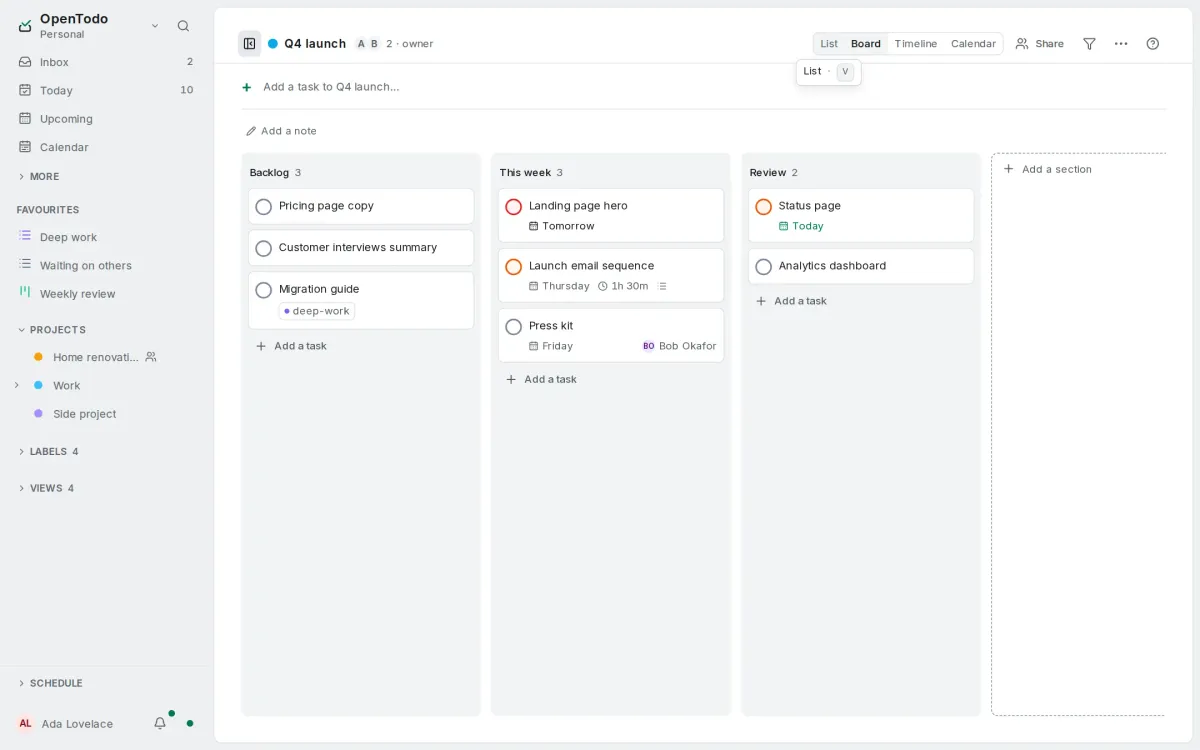
Projects as a list, a board or a timeline
Sections, deadlines and progress at a glance. Share a project and assign its tasks to the people in it.
Everything included.
90 features in 6 groups, and the integrations you already use. Nothing is held back for a paid plan.
All features, with their docs- Connects to
- CalDAV · Google Calendar · Outlook · iCal feeds · GitHub issues · GitLab issues · Email to task · Webhooks · ntfy · Pushover · Gotify · Home Assistant · MCP · Claude Code · Browser extension · Android · ot command line · Obsidian
- Imports from
- Todoist · Things · TickTick · Linear · Asana · Trello · Microsoft To Do · Google Tasks · Apple Reminders · Any.do · OmniFocus · Vikunja · Notion · Super Productivity · Tududi · CSV · JSON
Yours, for good.
No OpenTodo account and no OpenTodo cloud. One server for everyone you share lists with, and you can leave with everything whenever you like.
Free, all of it
No tiers, no seats, no trial: every feature for everyone on your server, the whole household included.
On your server
One container and one folder of data. A Raspberry Pi or the smallest rented server is enough.
Works offline
Every device keeps a full copy. Edit on the train; changes merge field by field when you are back.
Encrypted if you want
With end-to-end encryption, task text is encrypted on your devices before it reaches the server.
AI on your terms
Off unless you turn it on. Your model, local ones too; the assistant proposes changes you approve, and every change can be undone. Your own AI tools connect through MCP or the Claude Code plugin under an agent token.
Four ways in.
OpenTodo has no cloud of its own, so there is nothing to sign up for here. Move between them later; your data comes with you.
Try the demo
A private sandbox in your browser with sample projects, deleted after two hours without activity.
Open the demoHow the demo worksHosted for you
PikaPods runs it for you from $2 a month, with updates and HTTPS handled. Part of what you pay supports OpenTodo.
Run it on PikaPodsHosted or your ownJoin a server
Someone runs it for your home or team? Open the invitation link they sent, then install the app from the browser.
Install the appInstalling the appRun your own
Docker, Umbrel, Unraid, TrueNAS, a Pi or a VPS, in about twenty minutes the first time.
Self-hostPlan your server
Moving from Todoist, Things, TickTick or Linear? Bring your tasks
Come and say hello.
OpenTodo is made in the open, and the people who use it shape what comes next. Join us on Discord: ask a question, show how you organise your days, or tell us what you wish it did. Questions are answered by people who run it and by the maintainer.
Try it first, then make it yours.
News, releases and how it's built
- News
An assistant that asks first
From OpenTodo 1.4, the assistant answers with your tasks, days and projects drawn as the app draws them, proposes every change for you to edit and apply, and one Undo takes it back. It works with the model you choose, even one on your own network.
- Releases
OpenTodo 1.4: notes and the assistant
Notes get their own side of the sidebar, a compact list with search chips, links with [[ and a full-page graph of how they connect. The assistant answers with the app's own views and lets you shape its proposals. Also: priority names, an Urgency order, progress rings and printing a list.
- News
Write it the way you'd say it
Quick add reads "Call Sarah next Wednesday at 3pm #work @call +30m" and fills in the date, time, project, label and estimate. Paste six lines and you get six tasks, with one Undo for all of them.